 This book is dedicated to Dr. Parker, my classmates
 in the Meredith College EDU 605 Spring 2014 class,
friends, co-workers, and family. Thanks for the
support and encouragement as I struggled to build
my repertoire of technology teaching tools!
This book was created and published on StoryJumper™
©2014 StoryJumper, Inc. All rights reserved.
Publish your own children's book:
www.storyjumper.com



 Where will I find knowledge to
empower my students with 21st
century skills? What treasures
I discover? My Wordle indicates
I need to know more...
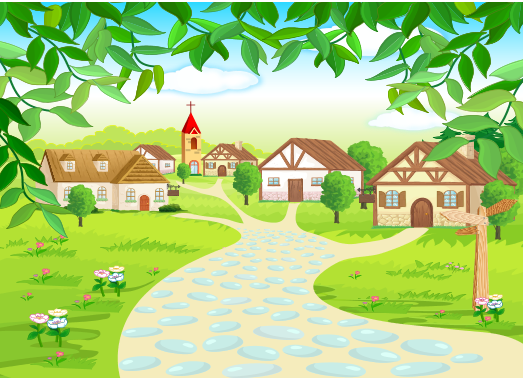
 Once upon a time there was a teacher who used technology for email,
 creating documents, showing videos, playing music, conducting research,
creating videos or VoiceThread, and interactive white board lessons but
she wanted to improve her skills and to incorporate more student
technology use in the classroom...
2
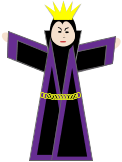
 A powerful wizard appeared and gave a map to
the teacher to guide her on her quest. So, she
put on her thinking cap, armed herself, and set off
to explore the worldwide web...



 You must go where
many have gone
before and many have
yet to explore!
 Wow, adventure here I come! I'll
be sure to blog to keep my friends
up on my discoveries.
3



 She first encountered an
army of ants, Feedly ants.
 Please put our army to work
finding Web 2.0 news
to feed your Feedly reader
with important ideas to
read when you find time,
afterall, teachers are busy.
 Why, certainly!
4


 She encountered familiar Web tools such as
VoiceThread, Skype, and Edmodo which kept
her confidence strong. She shared a video
of an Interactive Whiteboard Lesson on her
favorite science topic, the butterfly life cycle.


 Hello, friends! It is
good to see you again.
My students love lessons on
the IWB. I should have them
create VoiceThreads about
life cycles they learn.
 VoiceThread
 Skype
Skype  Edmodo
  IWB and
 flip camera
5
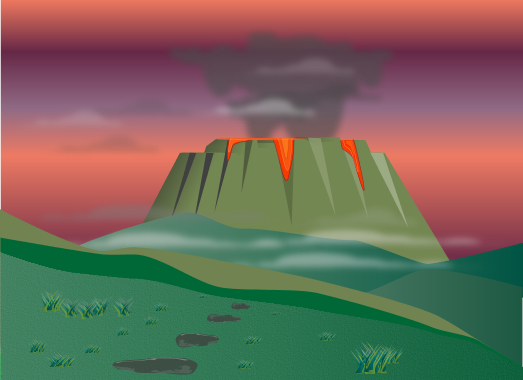



 Then, she encountered the website dragon. At first he was friendly,
but then he blocked her path and she wasn't sure what
to do. She moved forward with courage but the beastly website
was no longer friendly, so she let out a cry for help.
 HELP!
HELP!6
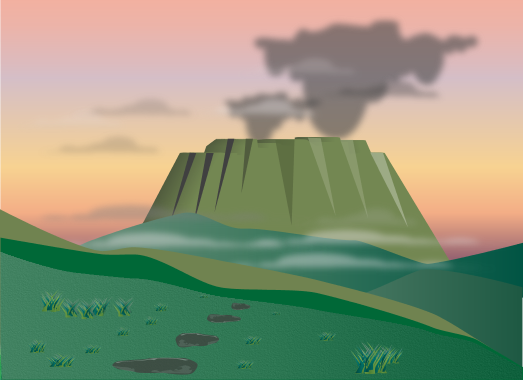





 The powerful wizard heard her cries
and worked her magic on the website
dragon. The Google sites dragon still wasn't
entirely friendly, but he had been calmed.

 Get back dragon!
Follow our commands!
 Thank you!
7




 The teacher continued to work with the Google sites dragon and eventually she was
pleased with her classroom website so she shared it with her colleagues at work
who thought it was outstanding. She shared ice cream with the dragon to celebrate..
 Mint chocolate chip
ice cream is awesome!
 Everyone thinks my website is fantastic! I can't wait to share it with parents
and students. I think they'll enjoy the videos, information, and links.
How is your ice cream?
8



 With renewed courage after befriending the Google site dragon, she set off
to build other skills by working collaboratively online with her classmates.


 Telecollaborative work
will connect your students
with classrooms around the
the world while expanding
how students can share
knowledge.
 My students
explore animal
life cycles.
 My students study
plant life cycles.
They could share and
compare through a blog.




9

 She worked with all her classmates online using Skype, email, and
 Google Presentations and now she feels confident that she can do
this at work with students and teachers as well.


 Great job!
 What do you think
of my ideas?
 Nice format
and color
scheme.
 Way to go team!
 Did you see the
changes I made?
10
You've previewed 10 of 16 pages.
To read more:
Click Sign Up (Free)Benefits:
- Full access to our public library
- Save favorite books
- Interact with authors
11

READ

- < BEGINNING
- END >
-
DOWNLOAD
-
LIKE(2)
-
COMMENT()
-
SHARE
-
SAVE
BUY THIS BOOK (from $3.19+)
-
BUY THIS BOOK
(from $3.19+) -
BUY THIS BOOK
(from $3.19+) - DOWNLOAD
- LIKE (2)
- COMMENT ()
- SHARE
- SAVE
- Report
Liked By
X
Encourage this author
-
BUY
-
LIKE(2)
-
COMMENT()
-
SHARE
Problem with this book
X
- Excessive Violence
- Harassment
- Offensive Pictures
- Spelling & Grammar Errors
- Unfinished
- Other Problem
Which pages have problems?
Please describe the problem:
left text
right text
"Technology Tools For Teaching"
Barbara's adventure in learning about Web 2.0 Technology Tools for Teaching
(17 pages)
Privacy level:
PUBLIC
72 reads
2 fans
Report





COMMENTS
Click 'X' to report any negative comments. Thanks!